Your introduction
Photo, trade, company and a few lines to introduce yourself.
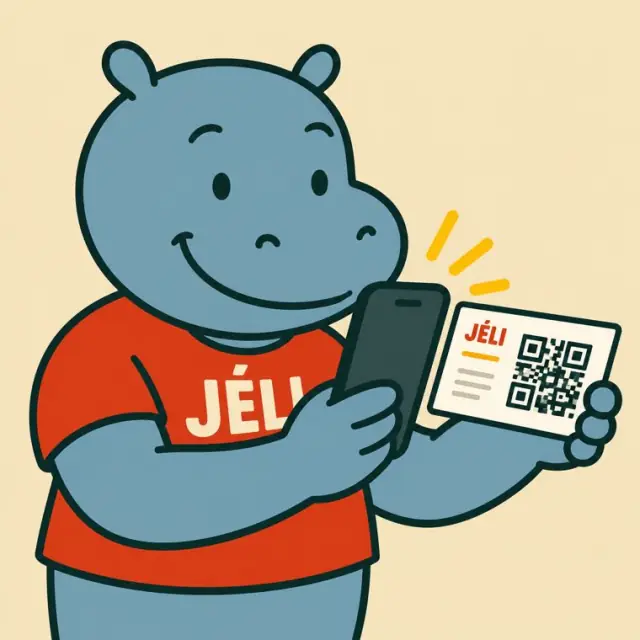
A QR code on your business card opens your JeliID, your Jèli business card: your photo, your trade, your services, your past work, and an “Add contact” button that saves your details to the phone.
A name, a number, an address. The card ends up in a pocket, and the contact is often lost.
Swipe to see the examples.
Photo, trade, company and a few lines to introduce yourself.
The “Add contact” button saves your name, your number and your email to the phone's contacts.
Services, rates, opening hours, the area you cover: write them in your introduction. Each service can also have its own JeliCard.
JeliCards of your past work, with photos, videos and a voice message, sorted into folders.
A button to call you, your address on the map, and up to three links to your social accounts or your website.
A JeliCard is shared in one move: by text message, on social media, by email, on the internet, or simply by scanning the QR code from one phone to another. Your message travels across time and distance, and reaches every audience, here and elsewhere.
These tools are excellent, and you probably use them already. Jèli does not replace them: it does a different job.
Your Instagram or TikTok account shows your work, and WhatsApp lets you chat with interested people. Your JeliID brings them together: one scan of your card gives your contact to save, your services and the links to your networks.
It's not one or the other. Put the links to your Instagram, TikTok and WhatsApp accounts in the text of your JeliCard, and share your JeliCard on your networks: each tool does what it does best.
A few minutes are enough.
A business card gives your name. Your JeliID shows everything you can do.
Your first JeliCard is ready in a few minutes.