← Home
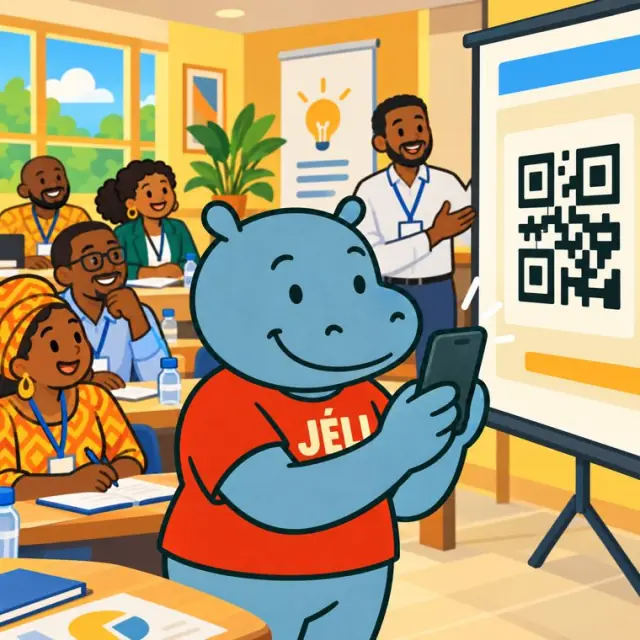
Malini scans a QR code during a training session
Enriching a textbook

Every lesson goes further.

School textbook, training manual or operating guide: a QR code next to each lesson opens a JeliCard with everything that doesn't fit in the book: extra course material, videos, worked exercises, past exam papers. And the author updates it whenever they wish.

  • Educational publishers
  • Textbook authors
  • Ministries of Education
  • Teachers
  • Training centres
  • Manufacturers

1The problem: a textbook limited to paper

Pages are limited: you have to choose between the lesson, the exercises and the answers, and everything is fixed until the next edition.

Not enough spaceThere's no way to fit all the exercises, answers and past papers in the textbook.
No movementAn experiment or a technical gesture is hard to understand from still images.
No updatesA changed curriculum, a mistake, a new exam paper: you have to wait for the next edition.
Pupils alone with the exerciseWithout a detailed answer, pupils don't know where they went wrong.

2One JeliCard per lesson

Swipe to see the examples.

Extras

Going further

Extra course material, reminders, diagrams, summary sheets: everything the textbook can't hold.

Exercises

Practice

Extra exercises with detailed answers, as photos or as a link to the file.

Past papers

Preparing for the exam

Papers from previous years, fully worked through, with their answers.

Videos

See to understand

Experiments, demonstrations, animated diagrams, foreign-language lessons with pronunciation.

Training

Technical gestures

For training manuals and operating guides: video demonstrations, practical sheets.

3What Jèli gives you

A textbook with no page limitExtras, exercises, answers and past papers: everything that doesn't fit in the book.
Updated at any timeThe author adds, corrects or replaces content whenever they wish; the printed QR code stays the same.
Answers that help pupils progressPupils check their work and understand their mistakes.
No app neededPupils or teachers scan with any phone.
Usable in classThe teacher scans and projects it or plays it to the whole class.
Free and ad-freePupils see only the learning content.

Your JeliCards travel around the world

A JeliCard is shared in one move: by text message, on social media, by email, on the internet, or simply by scanning the QR code from one phone to another. Your message travels across time and distance, and reaches every audience, here and elsewhere.

  • SMS
  • WhatsApp
  • Social media
  • Email
  • Internet
  • Scan from phone to phone

4How to do it

Start with one chapter, then the whole textbook.

  1. Choose the lessons that gain the most from being enriched.
  2. Prepare the extras, exercises, answers, past papers and videos.
  3. Have the content approved by inspectors or trainers.
  4. Create one JeliCard per lesson or per chapter.
  5. Place the QR codes in the margin of each lesson.
  6. Train teachers to use them in class.
  7. Update with each new curriculum, new exam session or feedback from teachers.

5Obstacles, and how to get past them

Not everyone has a smartphoneA relative, a seller or a community relay can scan and play it for them. The printed material still makes sense on its own.
Costly data, weak networkShort voice messages, light images, no app to download: the JeliCard opens fast, even with little data.
Few people know QR codesAdd the words “Scan to listen” and show the gesture once: after that, everyone knows how.
No phones in classThe teacher scans and plays or shows it to the whole class.
Educational approvalHave the content approved by inspectors or trainers.
Lots of lessonsStart with the hardest chapters, then add more through the year.

Our tips

  • Always place the QR code in the same spot on the page: pupils find it quickly.
  • Add past papers and their answers after each exam session.
  • Keep videos short and light for slow connections.
  • Check the rights to the videos and images you add.
  • Don't forget your business card: your name and a QR code that leads to all your activities.
The textbook gives the lesson. The JeliCard adds everything else, and stays up to date.
Back to the home page

Make your QR codes talk.

Your first JeliCard is ready in a few minutes.

App Store Google Play